
Protect Your Kids Online Without Becoming a Tech Expert
Harbor Stone Academy gives parents practical, step-by-step guidance to secure their kids’ devices, understand online risks, and put sensible safeguards in place.
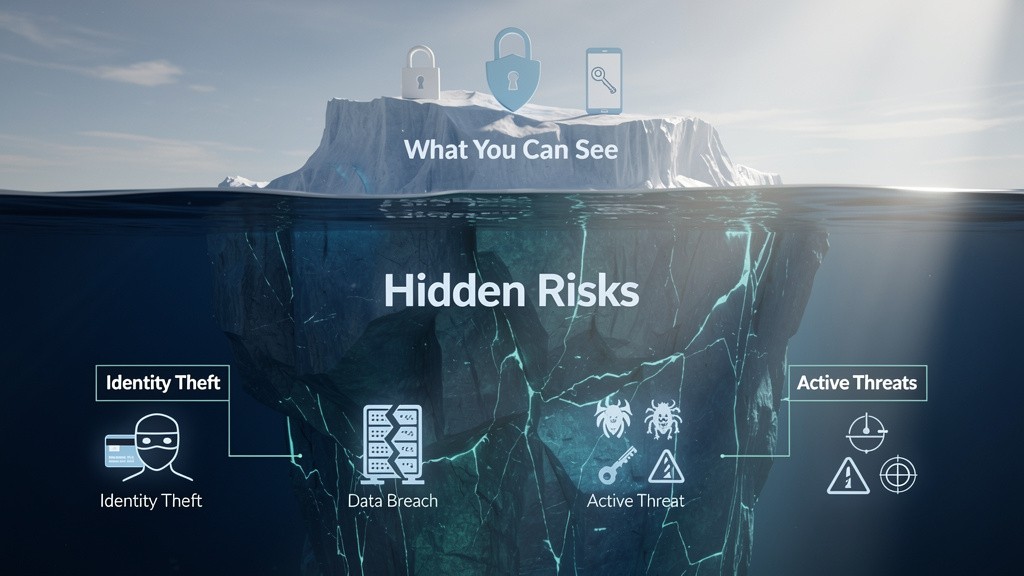
Digital Safety Guidance Built for Real Families
Harbor Stone Academy turns cybersecurity principles into practical steps parents can actually use at home — without technical jargon, scare tactics, or complicated setups.
Practical cybersecurity guidance
Focused on the settings, habits, and safeguards that make a meaningful differenceStep-by-step for parents
Clear instructions designed for people who don’t want to become technology experts.Realistic, not fear-based
Understand the risks, take sensible action, and get back to being a parent.

Built by Someone Who Does This for a Living
I'm Chris Kellogg, a cybersecurity professional and a parent. I spent my career finding the gaps in an organization's security before someone else does - now I use that same background to help parents lock down their kids' devices.
Real Cybersecurity Background
Not a general parenting tip list - this comes from someone who spends his career finding security gaps before someone else does.Practical, Hands-On Steps
You'll follow along and actually change settings on the device in front of you - no theory, just real steps that work.